 Kad Jemputan

Free
RM 0
- Your digital card
- Up to 50 RSVPs
- Wishes and dashboard
- Guest gallery trial: 20 uploads
Kad jemputan digital
Send one link on WhatsApp. Guests reply from their phone, and you see the headcount as it comes in.
Names, date, venue, atur cara. The phone preview next to the form shows what guests will see.
Paste it into your family WhatsApp groups. It opens in the browser, so nobody installs anything.
Each RSVP lands in your list with the number of adults and children.
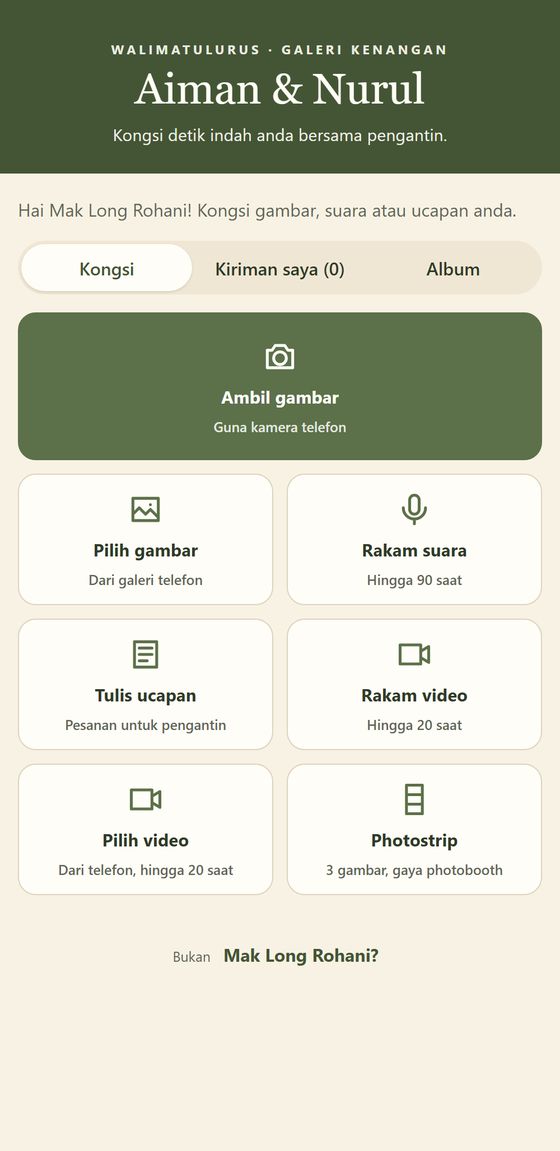
On the day, guests scan the QR code on their table and send you what they took.
Every reply goes into one list: who's coming, adults and children, seats left at the venue. Approve wishes before they show on the card, and export the list for your caterer.

Every card starts free. No subscription.
RM 0
RM 79
RM 159
Upgrade from your dashboard, and we'll switch your plan once payment is confirmed. Guest galleries are kept for 6 months after the wedding, so download yours before then.
No. They open your link (or scan the QR code) in their phone's browser. Replying takes under a minute.
Yes. Edits appear on the same link straight away. The link itself stays the same once your card is published.
Yes. From your guest dashboard, make an invite link and send it to them. Once they sign in, they can see the guest list, approve wishes, edit the card and manage the gallery. Only you can delete the card or invite more people.
Only you, by default. You can choose to open the album to guests, and you can hide or delete anything.
For 6 months after the wedding date. Use "Download all" in your dashboard to keep everything. After that, gallery files are deleted automatically.
Yes. The card and the guest pages are in Bahasa Melayu, and you write your own invitation wording. The card builder is in English.
With your Google account. There's no password to remember.